
Renting vs. Buying Your Own Modem and Router

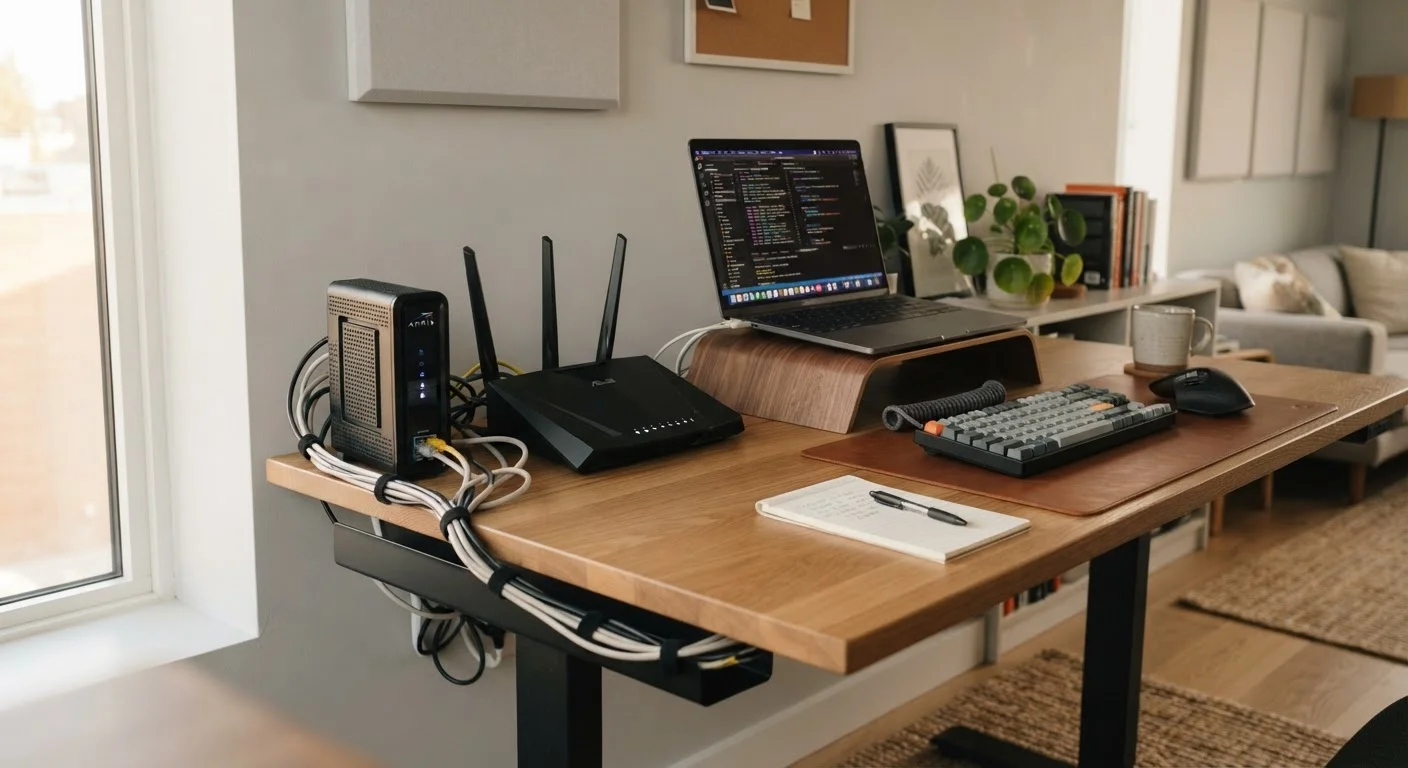
Photo: TrendingResults.net | Discover More, Trend More editorial
Key Takeaways
- ISP equipment rental fees typically range from $10 to $20 per month, adding up to $120-$240 annually.
- Purchasing your own compatible modem and router can break even within one to two years.
- Rented equipment comes with ISP support and automatic replacements, which has real convenience value.
- Not all ISPs allow third-party equipment - confirm compatibility before purchasing.
- Fiber internet plans often bundle an ONT device that cannot be replaced by a consumer purchase.
Eliminates recurring monthly rental fees
At $10-$20 per month, rental fees compound quickly. Owning your equipment removes that line item from your bill permanently after the break-even point.
Better hardware performance is often available
Consumer-grade modems and routers sold at retail frequently offer newer Wi-Fi standards and stronger signal coverage than ISP-issued gateway units.
Equipment stays with you if you switch ISPs
A DOCSIS 3.1 modem approved by multiple carriers can transfer to a new provider, preserving your investment if you change plans.
More control over network configuration
Owning your router means full access to firmware settings, guest networks, parental controls, and security configurations without ISP restrictions.
Upfront cost can be $150-$300 or more
Purchasing a modem and router requires a meaningful upfront investment that may not suit everyone's budget, even if it pays off over time.
Compatibility research is your responsibility
ISPs maintain approved device lists, and buying an incompatible modem - even a well-reviewed one - can leave you without service and out of pocket.
No ISP support if your owned hardware fails
When a purchased device malfunctions, diagnosing whether it's your equipment or the ISP's infrastructure falls on you, and replacement costs come out of your pocket.
Fiber and some plans require ISP-provided hardware
Fiber connections typically require an ONT that only the ISP can install and manage, making third-party equipment purchases irrelevant for those subscribers.
What You're Actually Paying For When You Rent
When you sign up for home internet service, your ISP will typically offer - or quietly default you into - a modem, router, or combined gateway device for a monthly rental fee. These fees commonly run between $10 and $20 per month, depending on the provider and equipment tier. That translates to $120 to $240 per year for hardware you never own.
The rental covers the physical device, ISP-side configuration, and in most cases, technical support and replacement if the unit fails. For customers who rarely think about their home network, this all-inclusive arrangement has real appeal. But for anyone paying that fee month after month for years, it's worth doing the math.
Before reviewing the trade-offs, it helps to understand your service agreement. ISP contracts often contain clauses about equipment obligations, early return fees, and what happens if a rented unit is lost or damaged. See what your ISP contract is actually telling you for a breakdown of the fine print that's easy to overlook.
Eliminates recurring monthly rental fees
At $10-$20 per month, rental fees compound quickly. Owning your equipment removes that line item from your bill permanently after the break-even point.
Better hardware performance is often available
Consumer-grade modems and routers sold at retail frequently offer newer Wi-Fi standards and stronger signal coverage than ISP-issued gateway units.
Equipment stays with you if you switch ISPs
A DOCSIS 3.1 modem approved by multiple carriers can transfer to a new provider, preserving your investment if you change plans.
More control over network configuration
Owning your router means full access to firmware settings, guest networks, parental controls, and security configurations without ISP restrictions.
The Case for Buying Your Own Equipment
A mid-range DOCSIS 3.1 modem compatible with most major cable providers typically costs between $80 and $150 at retail. A capable Wi-Fi 6 router runs a similar range. At a combined purchase cost of roughly $200 to $300, a customer paying $15 per month in rental fees would break even in approximately 13 to 20 months - and save money every month after that.
Owned equipment also gives you more control. You can choose hardware optimized for your home's square footage, wall construction, and the number of connected devices. ISP-issued gateways are often mid-grade units that prioritize cost efficiency over performance.
$168/yr
Average annual cost of ISP equipment rental
Based on a common $14/month rental fee, a figure widely cited across consumer finance and telecom publications as a mid-range estimate.
~18 months
Typical break-even period for owned equipment
A $250 combined modem-router purchase at a $14/month rental rate breaks even in roughly 18 months, after which savings accumulate monthly.
One important caveat: fiber internet plans frequently require an Optical Network Terminal (ONT) installed by the ISP, which is not replaceable with consumer hardware. If you're on or switching to fiber, confirm exactly which components are user-replaceable before purchasing anything.
When Renting Makes More Sense
Renting isn't always the financially inferior choice. For renters who move frequently or plan to switch ISPs within a year, the break-even timeline for owned equipment may never arrive. Returning rented gear at move-out is also far simpler than selling or repurposing a modem tied to a specific cable standard.
There's also a real support advantage. If a rented modem stops working, most ISPs will ship a replacement or schedule a technician visit at no additional charge. With owned equipment, diagnosing whether the problem is your hardware or the ISP's line requires more technical confidence - and if your modem fails out of warranty, you're absorbing the replacement cost.
Upfront cost can be $150-$300 or more
Purchasing a modem and router requires a meaningful upfront investment that may not suit everyone's budget, even if it pays off over time.
Compatibility research is your responsibility
ISPs maintain approved device lists, and buying an incompatible modem - even a well-reviewed one - can leave you without service and out of pocket.
No ISP support if your owned hardware fails
When a purchased device malfunctions, diagnosing whether it's your equipment or the ISP's infrastructure falls on you, and replacement costs come out of your pocket.
Fiber and some plans require ISP-provided hardware
Fiber connections typically require an ONT that only the ISP can install and manage, making third-party equipment purchases irrelevant for those subscribers.
If you're currently weighing a longer-term rental commitment - or thinking through this decision in the context of a new home - the framework in renting vs. buying a home applies a similar lens to higher-stakes decisions.
How to Make the Switch Safely
If you decide to purchase your own modem, start by checking your ISP's published list of approved devices - most major providers maintain one on their website. Buying an incompatible modem is the most common and avoidable mistake in this process. Once you've confirmed compatibility, call or chat with your ISP to have your new device's MAC address registered on your account before returning the rented unit.
Routers are more universally flexible - virtually any Wi-Fi router can work with any modem, so that purchase carries less compatibility risk. However, if your ISP provides a combined gateway (modem and router in one unit), you'll need to either replace both functions or put the ISP gateway into "bridge mode," which disables its routing functions and lets your own router handle the network.
For a structured approach before committing to any new plan or equipment arrangement, this pre-commitment checklist walks through the key questions to ask about speeds, contract terms, and equipment policies.
Bridge Mode: What It Means in Practice
The content on this site is provided for informational purposes only and should not be considered a substitute for professional advice. While we strive to provide accurate and up-to-date information, we make no guarantees regarding its completeness or accuracy. Always consult a qualified professional for advice specific to your circumstances before making any decisions.