
How Device Software Updates Affect Performance Over Time

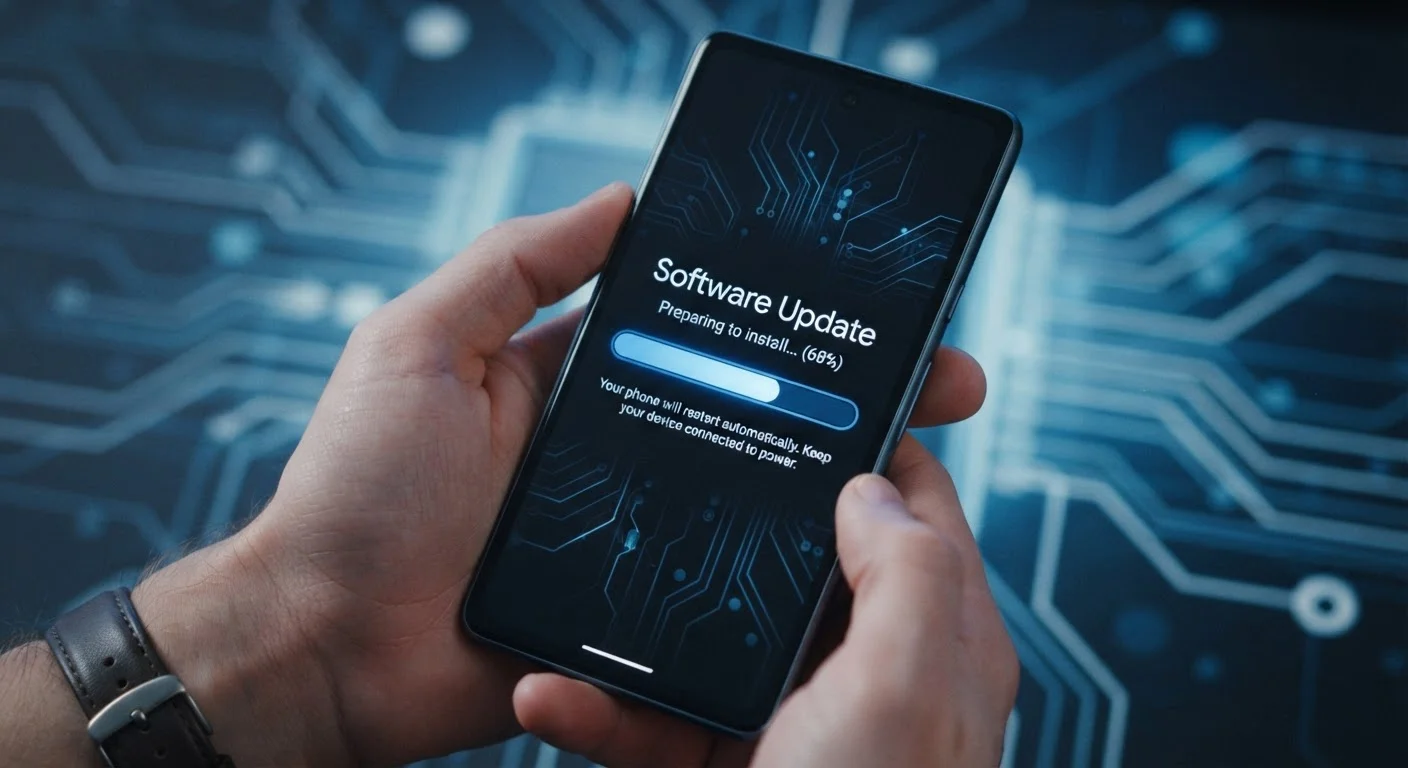
Photo: TrendingResults.net | Discover More, Trend More editorial
Key Takeaways
- Software updates serve legitimate purposes - security, stability, and new features - but can burden older hardware.
- Performance changes after an update are often temporary, caused by background indexing and recompilation processes.
- Manufacturers design updates for their newest hardware; older chipsets may struggle to keep pace.
- Skipping updates entirely creates real security risks that typically outweigh performance concerns.
- Understanding the update cycle helps you time purchases and set realistic expectations for device longevity.
What Software Updates Actually Change
When a software update arrives on your device, the changes happening underneath the surface go far beyond what the release notes typically describe. An update might patch a security vulnerability in the code that handles Wi-Fi connections, adjust how the operating system schedules tasks across processor cores, or introduce a new background service that runs continuously to support a feature you may never use.
These changes accumulate. Each major OS release tends to be designed with the newest hardware in mind - the processors, memory speeds, and storage controllers found in devices released that year. Older devices receive the same software but must run it on hardware that wasn't built for those demands.
This is why the experience of updating can differ so dramatically between a two-year-old device and a brand-new one running identical software. It's not a flaw in the update itself; it's a mismatch between software expectations and hardware capability.
Security Patches vs. Feature Updates
The Post-Update Slowdown: Temporary vs. Permanent
One of the most common concerns after installing an update is an immediate drop in responsiveness. Apps take longer to open, animations stutter, and the battery seems to drain faster. In many cases, this is temporary.
After a major update, operating systems perform housekeeping tasks in the background: re-indexing the device's storage so search works correctly, recompiling app code to optimize it for the new OS version, and rebuilding caches. These processes compete for processor time and RAM. Depending on the device and the size of the update, this settling period can last anywhere from a few hours to a couple of days.
If the device remains sluggish after that window, the slowdown is more likely structural - meaning the update added persistent processes or visual effects that the hardware can't handle at full speed. This kind of performance degradation tends to compound with each successive major update.
Give Your Device Time After an Update
Security vs. Speed: A Real Trade-Off
Some updates deliberately change how hardware behaves to address security vulnerabilities. A well-known example is the category of patches that address processor-level vulnerabilities - fixing these flaws in software requires additional checks that processors weren't originally designed to perform, and that overhead has a measurable cost in speed.
This creates a genuine trade-off. Skipping updates preserves the performance profile you're used to, but leaves known security holes open. For most users, the security benefit outweighs the performance cost - especially since the difference in everyday tasks is often imperceptible on hardware less than three or four years old.
For context on how network-level slowdowns compound device-level ones, see our explainer on how wireless data throttling works - a separate but related frustration that can make an aging device feel even slower than it is.
What This Means When You're Choosing a Device
Understanding the update-performance relationship is practically useful before you spend money on a device. A few questions worth asking:
- How long will this device receive OS updates? Manufacturers vary widely. Devices with longer committed support windows retain security coverage and feature access longer - but also face more cumulative update pressure on their hardware over time.
- What generation of hardware does it use? A device built with more processing headroom will absorb future update demands more gracefully. If you're deciding between a tablet and a laptop, factor in not just current performance but how each platform handles multi-year update cycles.
- What's the manufacturer's track record? Some companies have historically pushed updates that harmed older device performance; others have been more deliberate about backward compatibility.
Once you have a device, keeping it secure without overcomplicating the experience involves balancing timely updates with practical habits that don't erode usability. The goal isn't to avoid updates - it's to approach them with realistic expectations about what they will and won't do to an aging piece of hardware.
Frequently Asked Questions
The content on this site is provided for informational purposes only and should not be considered a substitute for professional advice. While we strive to provide accurate and up-to-date information, we make no guarantees regarding its completeness or accuracy. Always consult a qualified professional for advice specific to your circumstances before making any decisions.