
Tablet or Laptop: Choosing the Right Device for How You Actually Work

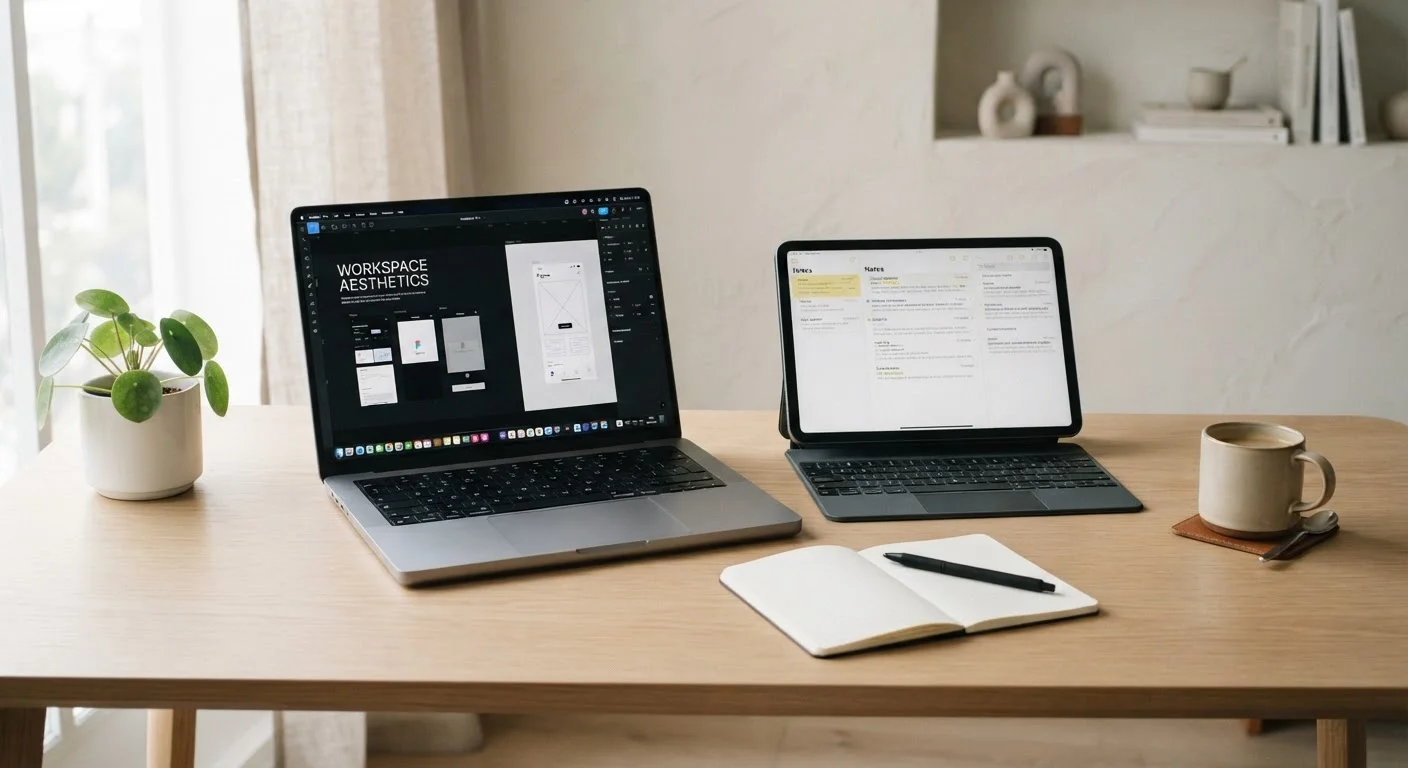
Photo: TrendingResults.net | Discover More, Trend More editorial
Key Takeaways
- Tablets excel at portability and battery life but have limits with multitasking and complex software.
- Laptops offer broader software compatibility and more comfortable extended typing experiences.
- Keyboard accessories can blur the line, but tablets still rely on stripped-down operating systems in most cases.
- Your primary use case - not marketing specs - should drive the decision.
- Some users genuinely benefit from owning both; others can get by with one well-chosen device.
Where the Devices Actually Differ
The marketing pitch for tablets has grown more ambitious - and more confusing. Manufacturers routinely position their slates as laptop replacements, complete with optional keyboard covers and stylus support. Meanwhile, ultrabook laptops have shed weight and gained touchscreens, borrowing back from the tablet playbook. Despite all this convergence, the gap between these two device categories is still real, and it matters.
The most practical difference comes down to the operating system. Most tablets - even premium ones - run mobile operating systems. That means the apps available to you are designed for touch input and limited multitasking. Laptops run full desktop operating systems with access to a broader range of software, including tools used in creative, technical, and business workflows that simply don't have tablet equivalents. If your work depends on specific software, that's often the deciding factor right there.
Hardware design plays a role too. Tablets optimize for thin profiles, long battery life, and touch interaction. Laptops are built around keyboard-first use, larger cooling systems, and more RAM headroom. Neither design is inherently superior - they're optimized for different things.
| Criterion | Tablet | Laptop |
|---|---|---|
| Operating System | Mobile OS (touch-optimized) | Full desktop OS |
| Software Compatibility | App store ecosystem only | Broad, including desktop apps |
| Typical Battery Life | 8-12 hours common | 5-10 hours typical |
| Keyboard Experience | On-screen or optional accessory | Built-in physical keyboard |
| Multitasking | Limited windowed support | Full multi-window capability |
| Portability | Lighter, thinner form factor | Heavier, but still portable |
| Input Style | Touch-first; stylus optional | Keyboard and trackpad primary |
| Typical Price Range | Wide range; accessories add cost | Wide range; keyboard included |
What Tablets Do Better
Battery life is a genuine tablet strength. Many tablets can sustain eight to twelve hours of real-world use, often outlasting comparably priced laptops by a noticeable margin. For anyone commuting, traveling, or working in settings without reliable outlets, this matters practically - not just on a spec sheet.
Portability is closely related. A tablet is typically lighter and less cumbersome than even a slim laptop, making it easier to hold in hand, prop on a lap, or slip into a bag without reorganizing everything else. If you're traveling and relying on digital tools, a tablet's form factor often wins on convenience.
Tablets also shine for media consumption, casual reading, and activities built around touch input - annotating documents, sketching, or flipping through content. The display-forward design suits these tasks naturally. And if the right specs are in place, even mid-range tablets handle daily tasks without frustration.
~1.1 lbs
Average weight of leading slim tablets
Most modern 11-inch tablets weigh roughly half as much as a comparable ultrabook laptop, according to manufacturer specifications.
30%+
Tablet share of portable device shipments
Industry analysts have noted tablets maintaining a significant share of portable computing shipments, particularly in education and consumer segments.
60%
Users who add a keyboard to their tablet
Survey data from consumer research firms suggests a majority of tablet users eventually purchase a keyboard accessory, reflecting the limits of touch-only input.
What Laptops Do Better
Extended writing is where tablets quietly frustrate even enthusiastic users. On-screen keyboards require frequent corrections and cause fatigue in longer sessions. External keyboard accessories help, but they add cost, bulk, and occasional connectivity friction that a laptop simply doesn't have.
Multitasking is more capable on a laptop. Running multiple windows side by side - a browser, a document editor, a spreadsheet, and a communication app simultaneously - is still more natural on a desktop OS. Tablet operating systems are improving in this area, but windowed multitasking remains less flexible.
Software depth is the most consequential advantage. Professionals who rely on video editing suites, engineering tools, accounting platforms, or development environments will generally find those applications either unavailable or significantly limited on tablet operating systems. For creative and knowledge workers, this isn't a minor inconvenience - it's a workflow-defining constraint.
It's also worth noting that device security practices apply to both platforms equally. Whether you choose a tablet or laptop, establishing sound habits matters. See practical device security guidance for an overview of what's worth doing regardless of which device you use.
Keyboard Accessories: The Blurry Middle Ground
The tablet-with-keyboard-cover combination is genuinely compelling for some users. It reduces the weight and bulk of a laptop while adding enough productivity capability for writing-heavy tasks. For students, note-takers, or light business users, this setup can be a practical middle ground.
The caveats are real, though. Keyboard covers vary in quality significantly - key travel, rigidity, and touchpad size differ a lot between options. The combination also typically costs more than buying a tablet alone, narrowing the price gap between a tablet setup and an entry-level laptop. It's worth calculating the total cost of ownership before assuming a tablet is the more economical path.
Additionally, even with a keyboard attached, the underlying OS doesn't change. App limitations, file management differences, and multitasking constraints remain. A keyboard cover makes a tablet more like a laptop ergonomically; it doesn't make it a laptop functionally.
This article is for general informational purposes only. Specific product recommendations, pricing, and software availability may change over time - verify details directly with manufacturers or retailers before purchasing.
The content on this site is provided for informational purposes only and should not be considered a substitute for professional advice. While we strive to provide accurate and up-to-date information, we make no guarantees regarding its completeness or accuracy. Always consult a qualified professional for advice specific to your circumstances before making any decisions.