
Using Offline Maps, Translation Apps, and Digital Tools While Traveling

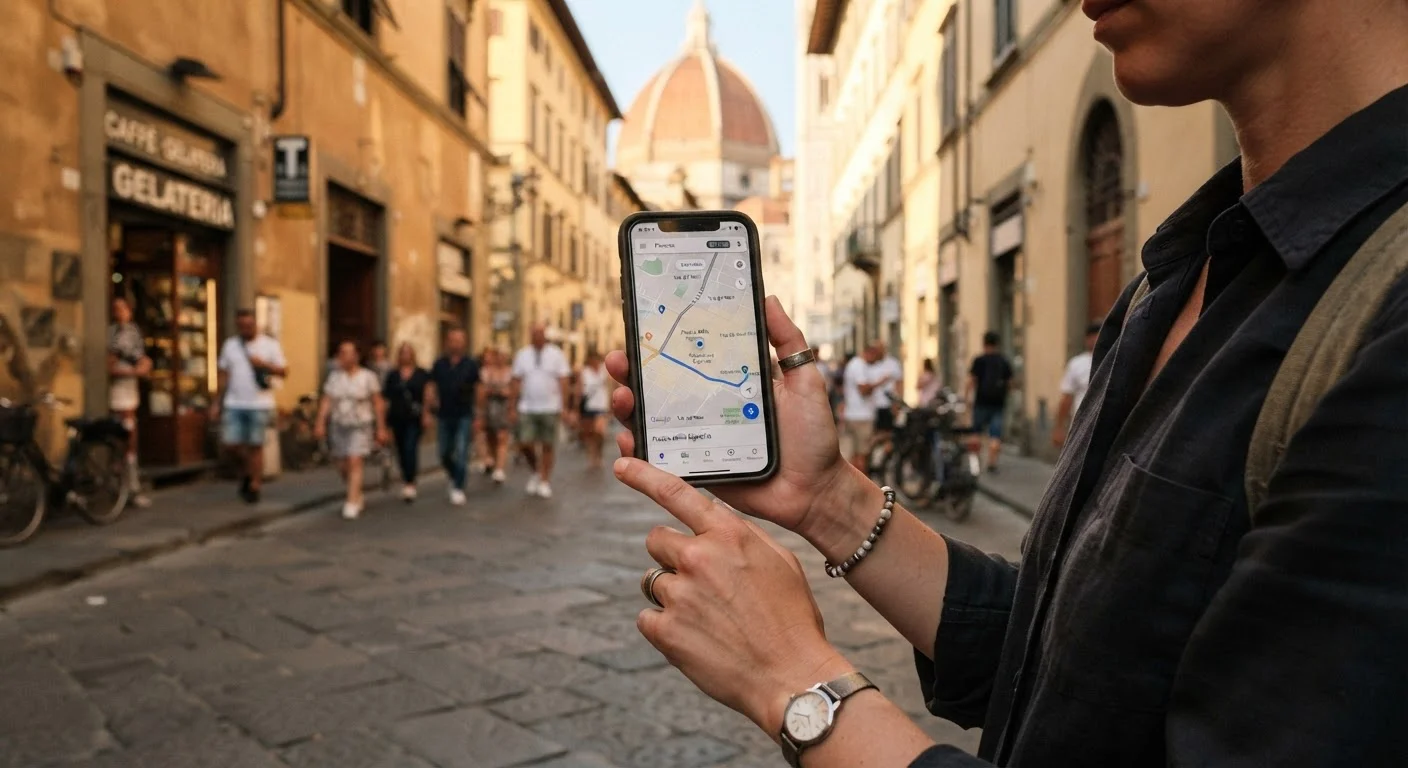
Photo: TrendingResults.net | Discover More, Trend More editorial
Key Takeaways
- Download offline maps and translation packs before you leave home - not at the airport.
- A dedicated translation app with camera mode can decode menus, signs, and labels instantly.
- Storing key documents and itineraries offline protects you when connectivity disappears.
- A portable battery pack is one of the most practical travel accessories you can carry.
- Most digital tools work best when set up and tested before departure, not mid-trip.
Why Digital Preparation Belongs in Your Pre-Trip Checklist
Most travelers pack their bags carefully but give little thought to preparing their phones. That oversight tends to surface at the worst times - standing at a bus terminal in a city where you don't speak the language, or hiking a trail where cell service vanished two miles back. The good news: getting your digital toolkit ready requires only a couple of hours at home on Wi-Fi, and the payoff is significant.
The core principle is simple - anything you might need while offline should be downloaded before you leave. Maps, translation language packs, saved documents, and pre-loaded itineraries all work perfectly well without a data connection, but only if you've set them up in advance. If you're planning a solo trip, this kind of preparation pairs directly with the broader advice in our solo travel planning guide.
What you will need
With the right tools loaded on your phone, you can navigate unfamiliar streets, read foreign menus, and pull up your hotel confirmation - all without burning through a roaming data plan or hunting desperately for Wi-Fi.
Test Everything Before You Leave
Step-by-Step: Getting Your Digital Tools Travel-Ready
Offline mapping app (e.g., any app with downloadable regional maps)
Provides turn-by-turn navigation and location search without requiring a mobile data connection.
Translation app with offline language packs
Translates text, speech, and camera-captured images in real time, even without internet.
Cloud-synced document storage app
Keeps your itinerary, reservations, and copies of travel documents accessible offline.
Portable battery pack (power bank)
Recharges your phone on the go so digital tools remain usable throughout long travel days.
Universal travel adapter
Ensures you can charge your devices in countries with different outlet standards.
International SIM or eSIM plan
Provides affordable local data access for situations where offline tools aren't enough.
Identify the regions you'll need coverage for
Before downloading anything, map out your full route - every city, transit hub, or rural area you expect to visit. Most mapping apps let you download regions individually, so knowing exactly where you're going prevents gaps. Cross-reference this with your travel itinerary so no stop is missed.
Download offline maps while on Wi-Fi
Open your mapping app and download regional map files for each area on your list. Map files can be several hundred megabytes each, so always do this on Wi-Fi - not cellular data. Check that the downloaded areas include both urban centers and any rural routes you plan to drive or hike.
Download offline translation language packs
In your translation app's settings, find the offline languages section and download packs for every language you'll encounter. If your trip spans multiple countries, download each language separately. For countries with multiple widely spoken languages, download all of them - it takes little extra space but saves real frustration.
Store your key documents offline
Save digital copies of your passport, visa documents, travel insurance policy, accommodation confirmations, and transport tickets somewhere accessible without internet. A cloud storage app with offline sync works well - just make sure the files are marked for offline access before you leave home. This complements the physical document preparation covered in our guide to essential travel documents.
Set up a currency conversion and expense tracker
A basic currency conversion app with offline rates helps you quickly evaluate prices without hunting for Wi-Fi. Pair it with a simple expense-tracking note or app to log spending as you go. Staying aware of your daily spend is one of the low-effort ways to stretch your budget - strategies worth exploring further in our overview of travel budget strategies.
Charge and test your power bank before departure
A fully charged power bank is non-negotiable for long travel days. Most models hold one to three full phone charges. Test yours at home, confirm the capacity still holds well, and pack the correct charging cable alongside it. Airlines have specific rules about battery pack capacity in carry-on luggage - check current airline guidelines before you fly.
Do a full offline test run before you leave
Switch your phone to airplane mode and walk through every tool: open your offline maps and search for a location in your destination city, run the translation camera over a page of foreign text, open each document in your storage app. If anything fails to load, you still have time to fix it. This dry run takes ten minutes and can save hours of frustration abroad.
Always Verify Entry and Safety Info Officially
Don't Depend Solely on Your Phone
For travelers curious about which device types - phones, tablets, or laptops - best support this kind of mobile toolkit, the comparison in choosing the right device for how you work offers useful context. And if you want to keep the overhead costs of staying connected from eating into your experience budget, the travel budgeting hub covers practical money strategies worth reviewing before you book.
The content on this site is provided for informational purposes only and should not be considered a substitute for professional advice. While we strive to provide accurate and up-to-date information, we make no guarantees regarding its completeness or accuracy. Always consult a qualified professional for advice specific to your circumstances before making any decisions.