
Devices & Gadgets

Before You Trade In Your Old Phone, Check These Things First

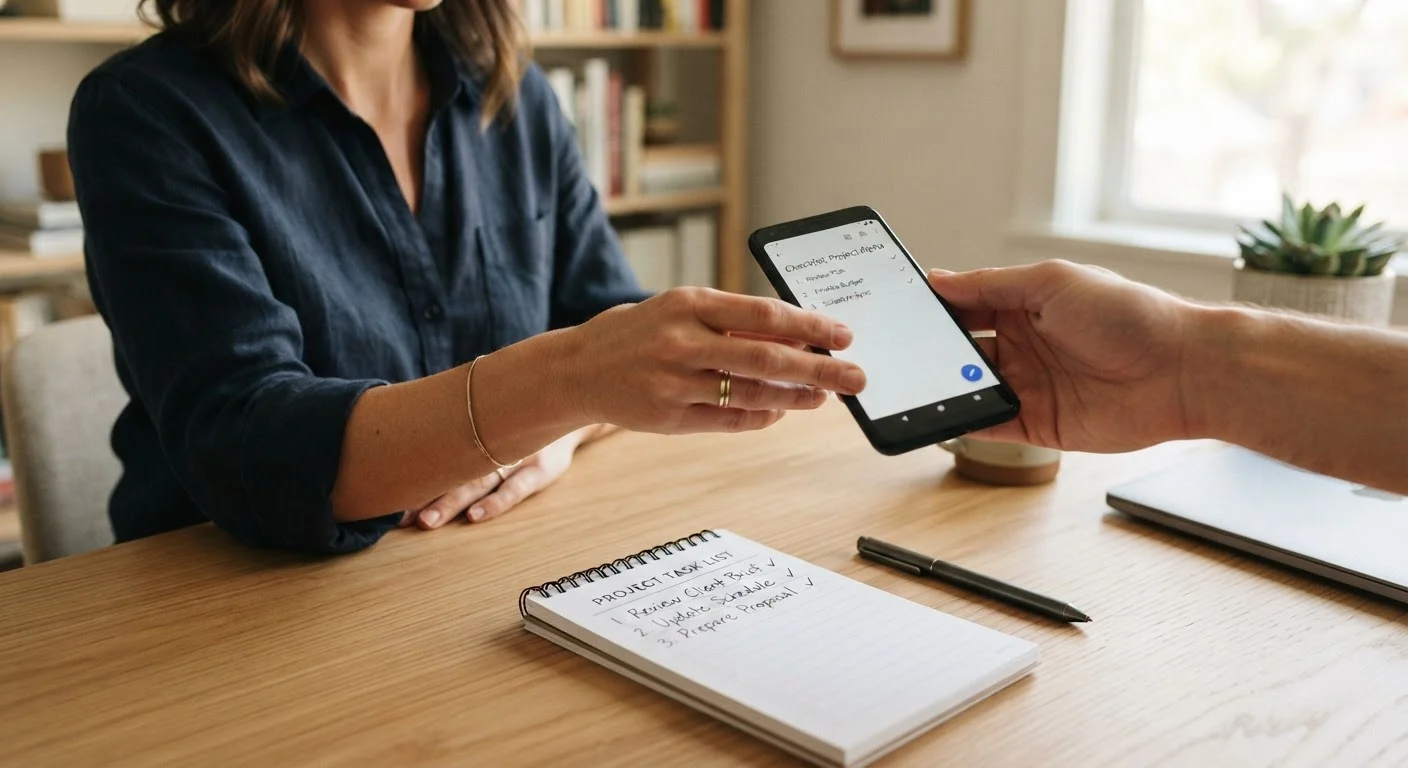
Before You Trade In Your Old Phone, Check These Things First

Photo: TrendingResults.net | Discover More, Trend More editorial

A practical checklist covering data backup, factory reset, account sign-outs, and condition documentation before handing over your device.

Key Takeaways

  • Backing up your data before a trade-in is non-negotiable — lost data is rarely recoverable afterward.
  • Signing out of all accounts prevents the new owner from accessing your personal services.
  • A factory reset alone may not remove accounts if done in the wrong order — sequence matters.
  • Documenting your device's physical condition upfront protects you if a trade-in value is disputed.
  • Carrier locks and outstanding device payment plans can block or reduce trade-in eligibility.

Why Preparation Matters More Than Most People Expect

Trading in a phone feels straightforward — hand it over, get a credit, move on. In practice, skipping even one step in this process can mean lost photos, compromised accounts, or a trade-in offer that gets revised downward the moment the receiving party inspects the device. The steps in this checklist are sequenced deliberately: doing them out of order can create the same problems as skipping them entirely.

The good news is that with 30 to 60 minutes of focused preparation, you can protect your data, verify your eligibility, and go into the trade-in with documentation that keeps you covered if anything is disputed afterward. Whether you're trading in through a carrier, a manufacturer's program, or a third-party reseller, the core preparation steps are the same.

If you're trading in as part of a broader plan switch, see our complete guide to switching wireless carriers for additional steps specific to that process.

Your Data Cannot Be Recovered After Trade-In

Once a device is wiped and handed over, there is no practical path to recover your photos, messages, or app data. Trade-in recipients — whether carriers, manufacturers, or resellers — are not obligated to preserve or return any data left on a device. Treat the backup step as irreversible protection, not a precaution you can skip and fix later.

What to Prepare and How to Use This Checklist

Start with the tools below — you'll need them before working through the checklist. Having a second device available during this process is genuinely useful, particularly for managing two-factor authentication codes and verifying that your backup is accessible from somewhere other than the phone you're about to wipe.

Required

iCloud or Google One

Backs up photos, contacts, app data, and device settings wirelessly before the trade-in process begins.

Required

Authenticator app (on a second device)

Ensures you retain access to two-factor authentication codes after your old phone is wiped.

Optional

SMS/text backup app

Exports and saves text message history that won't transfer automatically through a standard cloud backup.

Optional

IMEI checker tool

Verifies your phone's lock status, blacklist status, and outstanding finance — important eligibility factors for trade-in programs.

Work through each group in order. The data and backup group must be completed before you touch account sign-outs, and sign-outs must happen before you run the factory reset. Jumping ahead — particularly on the reset — is the most common source of problems.

Data & Backup

Back up all photos, videos, and documents to a cloud service or local computer before anything else. Must
Verify the backup completed successfully by opening it and spot-checking a few recent files. Must
Export or transfer any app data that does not sync automatically, such as authenticator codes, saved game progress, or local notes. Must
Save any text message threads or voicemails you want to keep using a dedicated backup app. Should

Account Sign-Outs

Sign out of your Apple ID or Google account from within the phone's settings — do this before the factory reset, not after. Must
Remove the device from your two-factor authentication (2FA) trusted devices list for any accounts that use it. Must
Sign out of banking, email, and social media apps individually before resetting to reduce any residual session risk. Should
Deregister the phone from messaging platforms (particularly iMessage on iPhones) to avoid receiving texts on a device you no longer own. Must

Factory Reset

Perform a full factory reset using the phone's built-in settings menu — not a third-party app. Must
On iPhones, use 'Erase All Content and Settings,' which also disables Activation Lock in one step when done correctly. Must
On Android devices, confirm that encryption is enabled before resetting, which makes residual data far harder to recover. Should
After the reset, verify the phone boots to a setup screen rather than your previous home screen. Must

Device Condition & Eligibility

Photograph all four sides and the screen under good lighting to document the device's condition before handing it over. Must
Note any screen cracks, camera lens scratches, or port damage and check whether the trade-in program's condition tiers account for them. Should
Check whether your device is still locked to a carrier and, if so, whether it needs to be unlocked before the trade-in is accepted. Must
Confirm that any device payment installment plan is fully paid off, as an outstanding balance often voids or limits trade-in credit. Must
Remove any SIM card and, on Android devices, the microSD card before handing the phone over. Must
Gather original packaging or accessories if required — some trade-in programs offer higher credit for complete-in-box submissions. Nice to have

Once your phone is reset and ready to hand over, take a moment to review your privacy setup on your new device. Our privacy settings walkthrough for new smartphones covers the controls most people overlook during initial setup.

Signing Out After Reset Won't Protect You

On both iOS and Android, signing out of your primary account must happen before you perform the factory reset. If you reset first without signing out of your Apple ID, Activation Lock may remain enabled, making the device unusable for the next owner and potentially reducing or voiding your trade-in offer. Follow the sequence: back up → sign out → reset.

Outstanding Installment Plans Can Block Trade-Ins

Many carrier trade-in and buyback programs reject devices that still carry an unpaid device payment plan balance. Even if your monthly carrier bill includes device payments, the phone may technically be considered financed — which disqualifies it. Check your account status before assuming the trade-in will go through.

If you're also evaluating a new phone plan as part of this transition, the phone plan shopping checklist covers what to confirm on coverage, data terms, and contract conditions before committing.

Tech & Telecom Editorial Team

TrendingResults.net | Discover More, Trend More

Tech & Telecom Editorial Team is the collective byline for our editorial team and contributor network. Articles published under this byline or an editorial pen name are researched, written, and reviewed according to our editorial standards for clarity, consistency, and independence before publication.

Phone PlansHome InternetDevices & Gadgets
View author profile

The content on this site is provided for informational purposes only and should not be considered a substitute for professional advice. While we strive to provide accurate and up-to-date information, we make no guarantees regarding its completeness or accuracy. Always consult a qualified professional for advice specific to your circumstances before making any decisions.