
Screen Resolution, Refresh Rate, and Display Tech: A Visual Guide

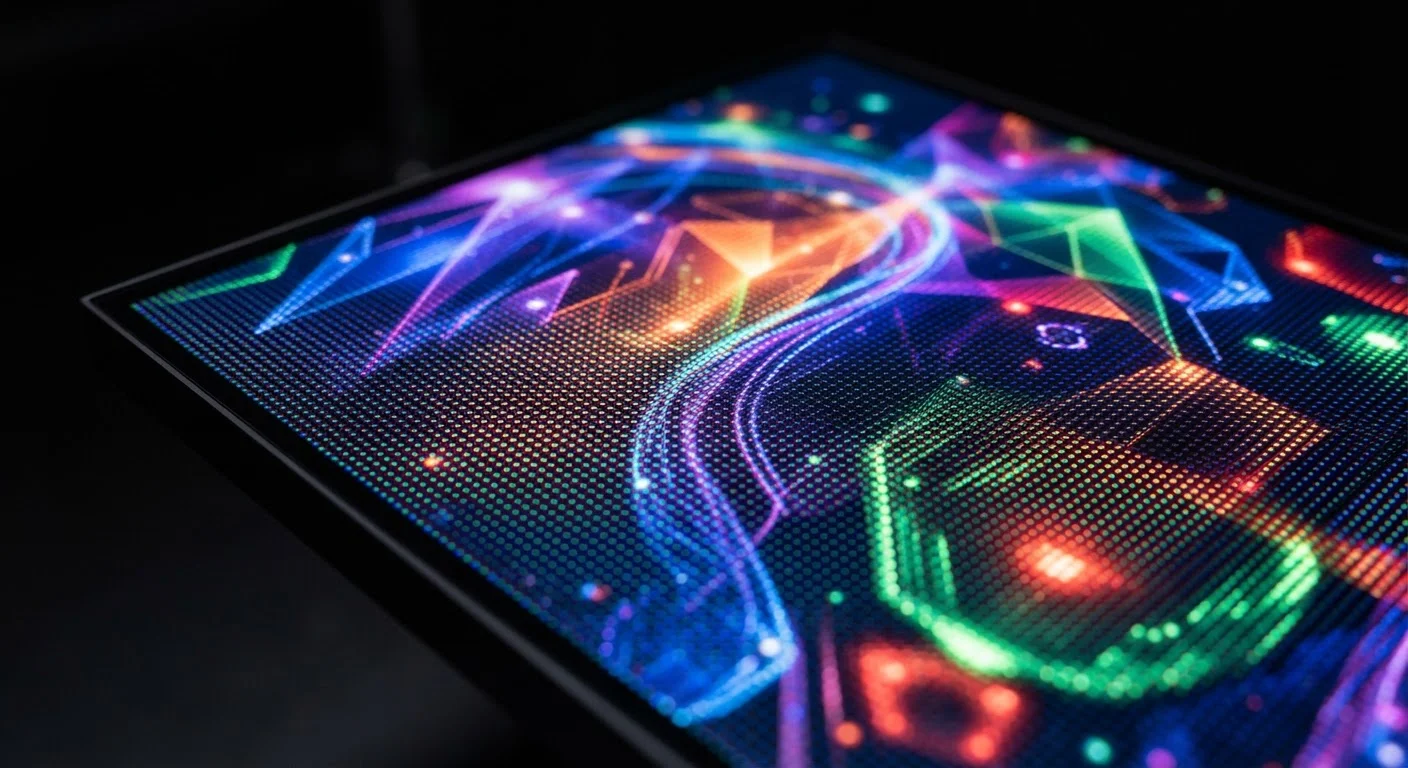
Photo: TrendingResults.net | Discover More, Trend More editorial
Key Takeaways
- Resolution measures how many pixels a screen has - more pixels generally mean sharper images at a given screen size.
- Pixel density (pixels per inch) matters more than raw resolution - a 1080p phone screen can look sharper than a 4K TV at close range.
- Refresh rate (Hz) controls motion smoothness - 120Hz looks noticeably smoother than 60Hz during scrolling and gaming.
- OLED panels deliver deeper blacks and better contrast than most LCDs because each pixel produces its own light.
- High specs only improve your experience if the content you consume and the device you use can actually support them.
- Not every premium display spec is worth paying extra for depending on your specific use case.
Resolution Explained: Pixels, PPI, and Why Size Changes Everything
Resolution describes the total number of pixels a screen contains, expressed as width × height. A 1920×1080 (Full HD or 1080p) display has roughly 2 million pixels; a 3840×2160 (4K or UHD) display has around 8.3 million. More pixels allow finer detail - but only up to a point determined by screen size and viewing distance.
The more useful measurement is pixel density, expressed in PPI. A 1080p display on a 5-inch phone can exceed 400 PPI, which looks razor-sharp. The same resolution on a 65-inch TV drops to about 34 PPI - noticeably softer at close range. This is why resolution comparisons only make sense when you account for screen size. See our full guide to smartphone specs for how PPI fits into the broader picture.
Common resolution tiers you'll encounter:
- HD (1280×720): Acceptable on small, budget screens; limiting on larger displays.
- Full HD / 1080p: The practical baseline for most phones, monitors, and mid-range TVs.
- Quad HD / 1440p: Noticeably sharper on larger phone or laptop screens.
- 4K / UHD: Meaningful on TVs 50 inches and above, or high-end monitors viewed up close.
Refresh Rate: What 60Hz vs. 120Hz Actually Feels Like
Refresh rate - measured in hertz (Hz) - tells you how many times per second a display redraws the image. At 60Hz, the screen updates 60 times per second. At 120Hz, it doubles that. The difference is perceptible and significant in practice.
Scrolling through a webpage, swiping between apps, or tracking fast movement in a game all feel noticeably smoother at 120Hz compared to 60Hz. The motion appears less blurry and more fluid - a real usability improvement, not just a spec-sheet boast. However, the benefit depends on what you're doing: watching a standard 30fps or 60fps video on a 120Hz screen delivers no visible improvement over 60Hz for that specific content.
Adaptive Refresh Rate Saves Battery Without Sacrificing Smoothness
Many mid-range and premium devices now offer adaptive refresh rates - technology that shifts between a low rate (as low as 1Hz) during static screens and a high rate during fast content. This delivers the best of both worlds: smoothness when it matters, battery savings when it doesn't.
Panel Technology: OLED, LCD, and What Separates Them
The panel type determines how a display produces light - and this has the biggest impact on contrast, black levels, and color accuracy.
LCD (Liquid Crystal Display) uses a backlight that shines through layers of pixels. Because the backlight is always on, true black is difficult to achieve - it becomes dark gray. IPS LCD (In-Plane Switching) is a popular LCD variant that improves viewing angles and color accuracy compared to older TN panels.
OLED (Organic Light-Emitting Diode) eliminates the backlight entirely. Each pixel generates its own light and can switch off completely, producing genuinely pure black. This creates exceptional contrast ratios and makes colors appear more vivid and dynamic. AMOLED (used widely in smartphones) is a form of OLED using an active matrix for faster, more power-efficient pixel control.
120Hz
Refresh rate now standard on many flagship phones
Higher refresh rates have become a common differentiator in mid-range and premium smartphone segments over recent product generations.
~300 PPI
Approximate threshold where pixelation becomes imperceptible
Display researchers and engineers generally cite roughly 300 PPI at normal viewing distance as the point where individual pixels are no longer distinguishable to the human eye.
1000+ nits
Peak brightness needed for comfortable outdoor viewing
Display industry guidance and real-world testing suggest screens rated above 1000 nits peak brightness remain readable in direct sunlight for most users.
The tradeoff: OLED screens can be susceptible to burn-in over time - permanent image retention from static elements displayed for prolonged periods. Modern OLED devices include software mitigations, and burn-in typically requires extreme use patterns to become a real issue for most people.
For budget-conscious shoppers, a quality IPS LCD often outperforms a low-grade OLED - panel implementation quality matters as much as panel type. Our guide on cheap tablet tradeoffs covers how display compromises affect the everyday experience.
Putting It Together: Evaluating a Screen Before You Buy
Display specs don't exist in a vacuum - they interact with each other and with how you actually use a device. A few practical principles help cut through the noise:
- Match resolution to screen size and distance. 4K matters on a large TV or desktop monitor. On a 6-inch phone you're unlikely to see the difference over 1080p.
- Prioritize refresh rate if you scroll a lot or game. 90Hz or 120Hz delivers a tangible feel improvement in daily use.
- Choose OLED for media consumption in varied lighting. Deep blacks and high contrast enhance movies and shows significantly.
- Check peak brightness (measured in nits) for outdoor use. A screen rated at 800+ nits is far more readable in sunlight than one at 400 nits.
- Confirm content and hardware support high specs. A 4K display needs a 4K source; a 120Hz phone needs apps optimized for that rate to deliver the benefit.
For a complete picture of how display quality fits into overall device performance, see our guide to smartphone camera quality - screen accuracy directly affects how photos look when you review them.
Frequently Asked Questions
The content on this site is provided for informational purposes only and should not be considered a substitute for professional advice. While we strive to provide accurate and up-to-date information, we make no guarantees regarding its completeness or accuracy. Always consult a qualified professional for advice specific to your circumstances before making any decisions.