
Modem, Router, Gateway: The Differences Every Internet Customer Should Understand

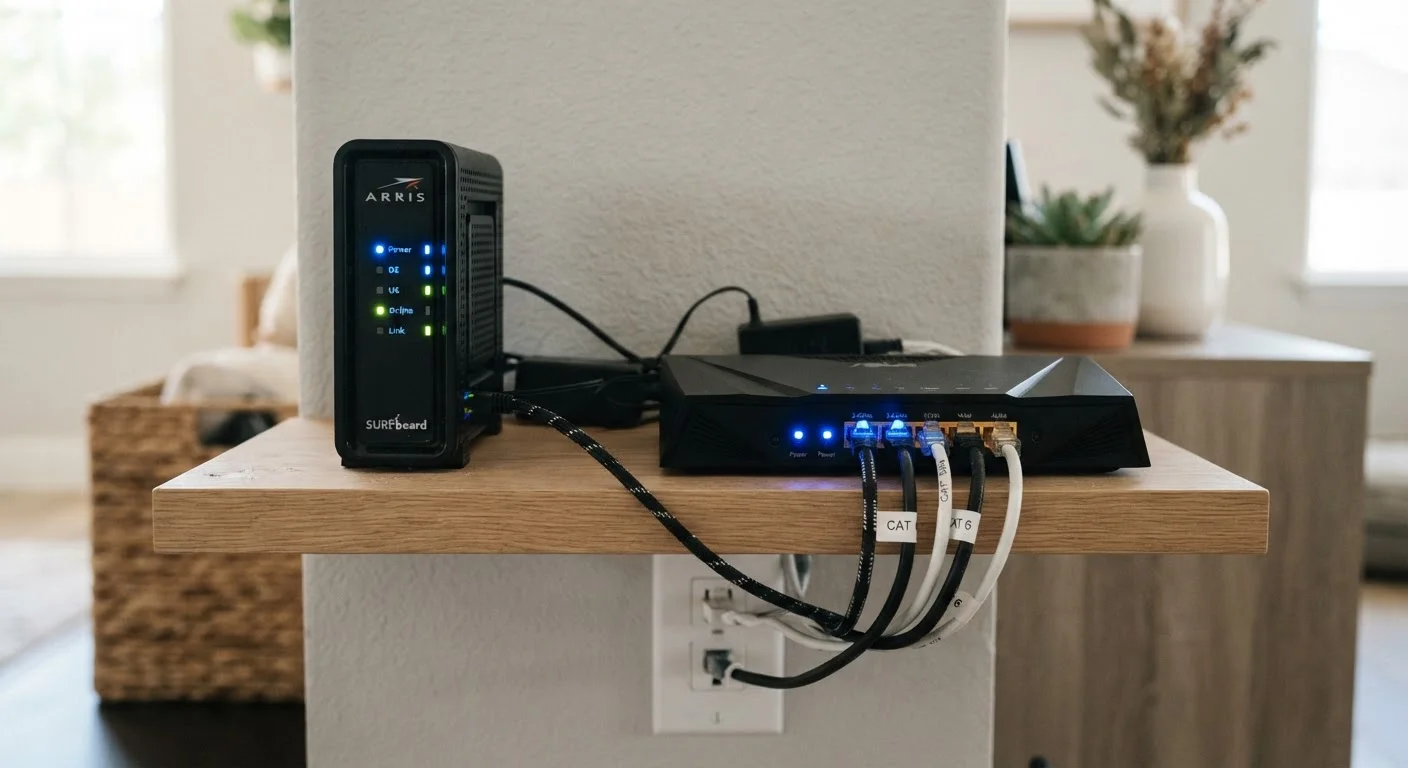
Photo: TrendingResults.net | Discover More, Trend More editorial
Key Takeaways
- A modem connects your home to your ISP; a router connects your devices to the modem.
- A gateway combines modem and router into one device - common in ISP rental equipment.
- Using separate modem and router devices often gives you more control and better performance.
- Knowing what each device does helps you troubleshoot outages and avoid unnecessary fees.
- Your ISP's equipment choice can affect which device types are compatible with your connection.
The Modem: Your Home's Door to the Internet
A modem - short for modulator-demodulator - sits at the edge of your home network. Its sole job is to translate signals from your ISP's physical infrastructure into a format your home equipment can use. The type of modem required depends entirely on your connection type: a cable modem works over coaxial lines, a DSL modem over telephone lines, and fiber connections typically use an ONT (Optical Network Terminal) that performs a similar translation from light pulses to Ethernet.
Without a modem, your home has no path to the internet at all. It is the literal gateway between the public network and everything inside your walls. Understanding this helps explain why your connection type determines which modem hardware is compatible - they are not interchangeable across technologies.
$10-$15/mo
Typical ISP equipment rental fee
Industry surveys and ISP pricing disclosures consistently show monthly gateway rental fees in this range, which compounds significantly over multi-year contracts.
~60%
U.S. households using ISP-supplied equipment
Research by consumer broadband analysts suggests a majority of home internet subscribers use the gateway their ISP provided rather than purchasing their own equipment.
3-5 years
Typical useful life of home networking hardware
Networking industry guidance generally suggests consumer modems and routers remain fully capable for three to five years before newer Wi-Fi standards or speed tiers make upgrades worthwhile.
The Router: Traffic Director for Your Home Network
A router takes the single internet connection delivered by your modem and distributes it to every device in your home - smartphones, laptops, smart TVs, thermostats, and more. It does this by assigning local IP addresses through a protocol called DHCP and managing the flow of data between devices and the broader internet.
The router is also responsible for your Wi-Fi signal. Its hardware capabilities - Wi-Fi standard (Wi-Fi 5, Wi-Fi 6, Wi-Fi 6E), antenna count, and processor power - directly affect wireless range, speed, and how many devices it can handle simultaneously. A router cannot improve the raw speed your ISP delivers, but a weak router can easily prevent you from reaching it. This distinction matters when troubleshooting slow connections, as the problem may not lie with your ISP at all. For a deeper look at how speed works, see download vs. upload speed explained.
Placement Affects Performance More Than Most People Realize
The Gateway: One Box, Two Jobs
A gateway combines the modem and router into a single device. This is what most ISPs provide by default when you activate service. The appeal is simplicity - one device to set up, one device to troubleshoot, and one point of contact for support. For households with modest needs, a gateway from a reputable ISP performs well enough.
The trade-off is control. ISP-supplied gateways are often configured to the ISP's preferences, with some settings locked or inaccessible. Advanced users who want custom firewall rules, specific DNS settings, or to integrate third-party networking hardware may find gateways limiting. Some ISPs allow their gateway to be placed in "bridge mode," which disables its routing functions so a separate router can take over - but this option isn't universally available.
If you're just starting out with home internet, the first-time subscriber guide covers how to evaluate the equipment options your ISP presents at signup.
Why the Distinction Matters for Your Wallet and Your Setup
ISPs often charge a monthly rental fee - commonly ranging from $10 to $15 - for the gateway they supply. Over a two-year contract, that adds up to $240-$360 in equipment fees alone, without any ownership at the end. Understanding that a "modem" and a "gateway" are distinct things helps you ask the right questions: Is this device a modem only, or does it include routing? Can I supply my own compatible modem? Will the ISP still support my connection if I do?
These questions also matter when your connection underperforms. If you're troubleshooting slow Wi-Fi, knowing whether the bottleneck is the modem (ISP-side problem), the router (home network problem), or the plan itself (a speed tier or marketing language issue) helps you address the right thing. Calling your ISP to replace a gateway when your problem is actually Wi-Fi range will waste time. Conversely, repositioning your router won't fix a modem that's failing to sync with the ISP's network.
For a full breakdown of the financial trade-offs, see renting vs. buying your own modem and router. And if you're still working through your service agreement, what your ISP contract is actually telling you decodes the fine print around equipment terms and fees.
Frequently Asked Questions
The content on this site is provided for informational purposes only and should not be considered a substitute for professional advice. While we strive to provide accurate and up-to-date information, we make no guarantees regarding its completeness or accuracy. Always consult a qualified professional for advice specific to your circumstances before making any decisions.